PlaydioCast
A great podcast player with fun and joy to use
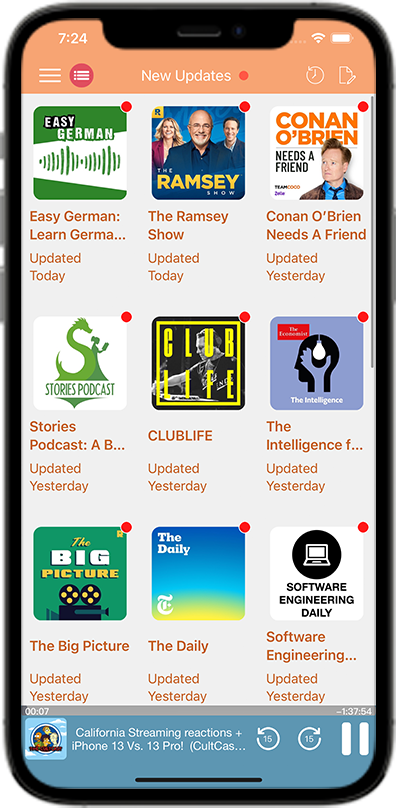
Listen to your favourite podcasts on demand.
Discover our great selection of Podcasts, Audiobooks and Online Radios on PlaydioCast.
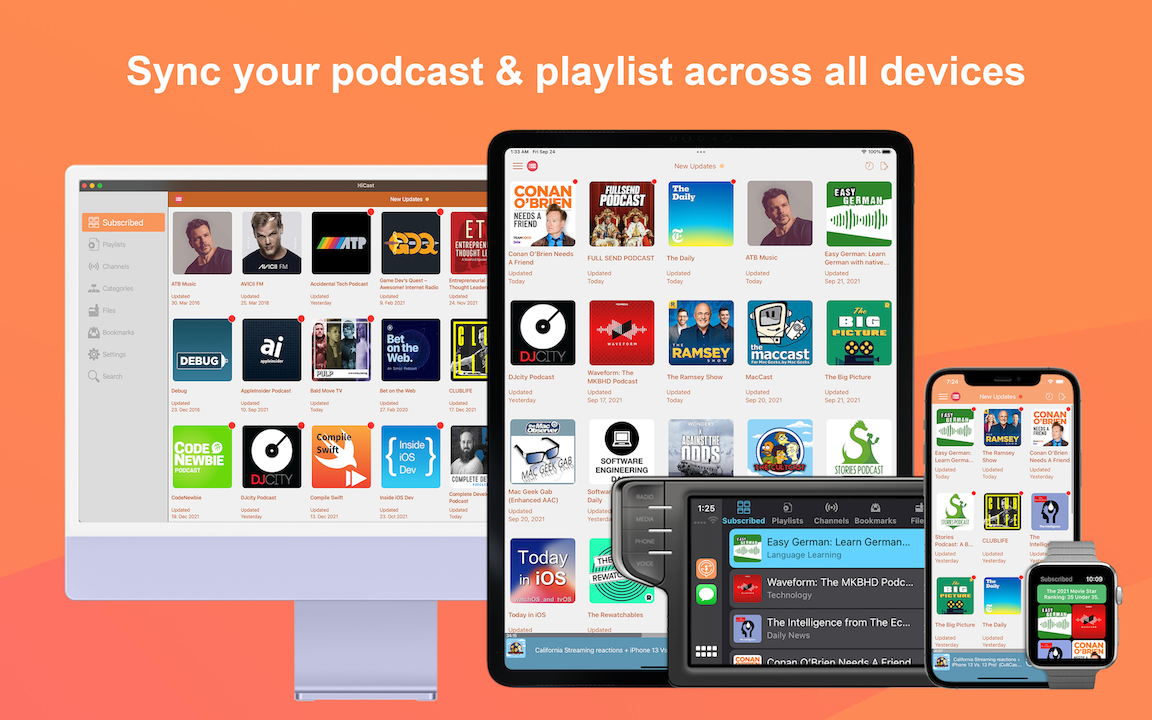
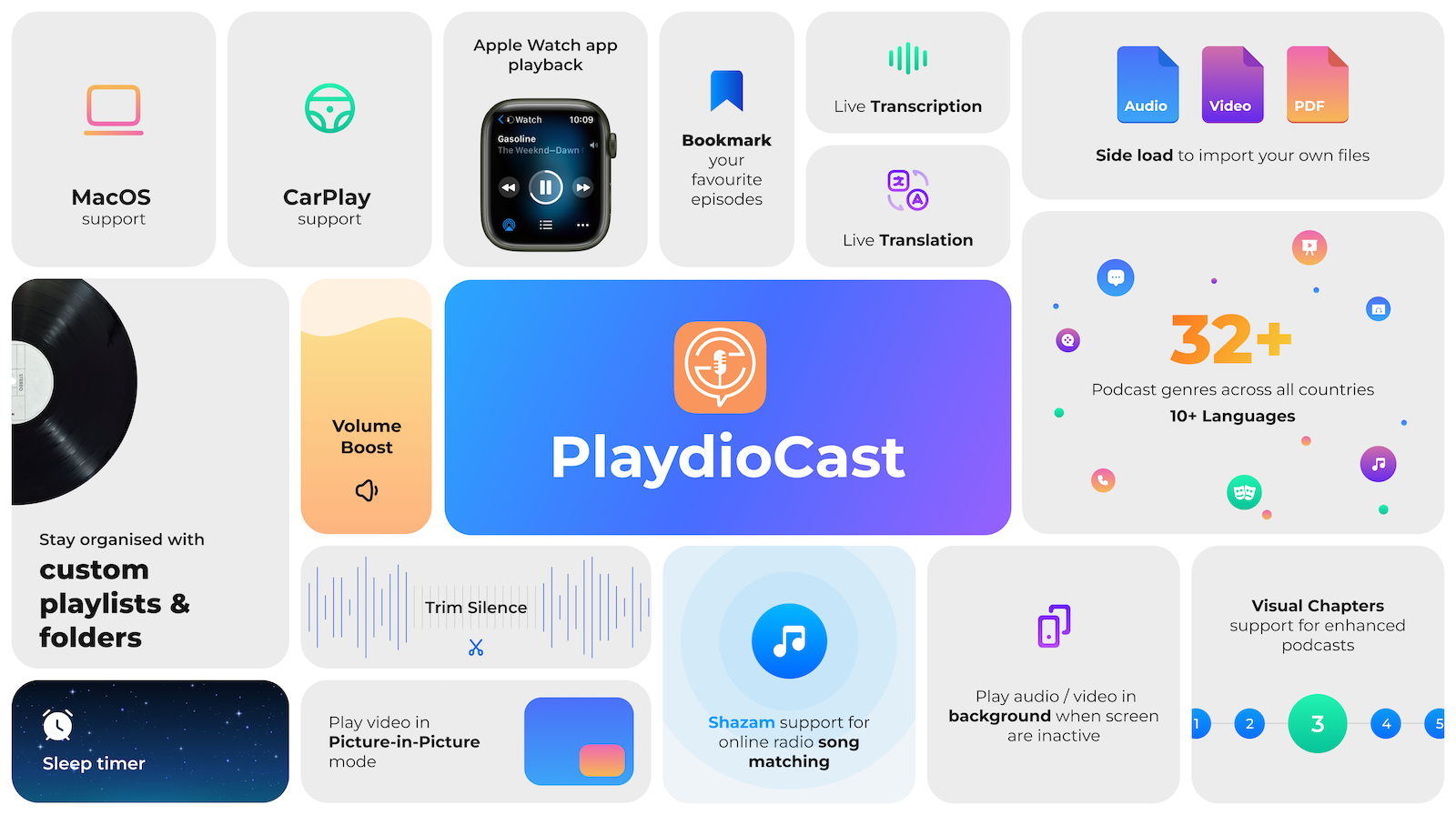
PlaydioCast is a fully featured RSS Podcast App with many useful features in a simple, intuitive interface that is updated frequently with our expanding selection of podcasts in more than 10 different languages.
It also have a large range of Audiobooks and Online Radios. It even supports media file imports & exports!
Immerse yourself in a topic of interest with a variety of genres you'll love such as News, Technology, Music, Comedy, Education, Languages and more! You can also enjoy all of these features for FREE:
Frequently Asked Questions
PlaydioCast is free to use — forever. Here’s how we keep it sustainable while respecting your experience.
Is PlaydioCast free to use?
Yes — absolutely. PlaydioCast is free to download and use, with core features like playback for podcasts / audiobooks / online raidos, trim silence, volume leveling, transcription, translation, downloads, playlists, CarPlay, Apple Watch, iCloud sync, and offline listening — all available without paying.
We believe everyone should have access to great podcasting tools. That’s why we offer a freemium model: enjoy the app as-is, or upgrade for an ad-free experience.
Why do I see an ad banner at the bottom of the player?
The small banner at the bottom helps us keep PlaydioCast free and continuously improve it — while supporting development without charging you upfront.
Important note:
• This is a Google AdMob banner — it’s automatically served and cannot be closed or dismissed.
• It appears only on the main player screen and never blocks content or interrupts playback.
• We keep it minimal: 50px tall, static and only shown in the player.
You still have full control:
• Upgrade to Premium (monthly, yearly, or lifetime) to remove the banner completely — no ads, ever.
• Your listening experience remains fully functional regardless of the banner.
We believe in fair monetization: if you love using PlaydioCast, consider supporting us with Premium. If not — no worries! You’ll still get all core features for free.
What happens if I don’t upgrade to Premium?
No pressure — no lockouts. You’ll still get full access to:
- Listen, download & play podcasts offline
- Listen, download & play audiobooks offline
- Listen to online radios
- Create playlists & bookmarks
- Trim silence & volume leveling
- Live transcription & translation
- Use CarPlay, Apple Watch, and iCloud sync
- Import your own files & OPML
The only difference: occasionally, when adding a new podcast or downloading a file, you’ll see a non-blocking paywall popup — but it can be closed with one tap, and your action will still complete.
How do I upgrade to Premium?
You can remove the ad banner and disable paywalls with one of these options:
- Monthly or Yearly Subscription — cancel anytime
- Lifetime Premium — one-time purchase, forever ad-free
Upgrade anytime in Settings → Premium.
Why not make PlaydioCast fully paid?
We started as a free tool for ourselves — and our community. Making it free ensures:
- Students, seniors, and casual listeners can enjoy podcasts without barriers
- New podcasters can discover the app and grow their audience
- We stay community-driven — not profit-driven
Those who love the app choose to support us — and that keeps development going.
Is PlaydioCast truly ad-free if I upgrade?
Yes — for our app experience, 100%.
Once you upgrade to Premium, you’ll see:
- Zero banner ads in the player
- No paywall popups — ever
- Clean, uninterrupted interface
However: Some podcast creators choose to embed promotional or sponsor messages directly into their audio episodes (e.g., “This episode is brought to you by…”). These are part of the podcast’s audio file — not added by PlaydioCast — and cannot be removed by any app, including ours.
We respect creators’ rights to include sponsorships in their content. If you’d like to skip these segments, PlaydioCast’s 30-second skip, chapter markers, and speed controls help you navigate them quickly.
In short: PlaydioCast never adds ads — but some podcasts include them in their audio.
Learn More About PlaydioCast Features
PlaydioCast is developed by Marz Limited — built for podcast lovers, by podcast lovers.